A Halloween profile picture is seen tiny, usually as a circle the size of a fingernail. So the best one isn't the most elaborate costume; it's the one where your face, one strong colour and a clear shape still read at that size. Here is how to make one with AI that passes that test.
What makes a good Halloween profile picture
At avatar size, details disappear: a lantern in the background, lace on a sleeve, a moody forest. What survives is:
- Your face, large in the frame. Head and shoulders, not half your body.
- One strong colour or contrast. Red horns, white face paint, a pale face against a dark collar.
- A plain, dark background. Busy scenery turns into noise once the image shrinks.
A quick test: shrink the image to about the size of a thumbnail on your screen. If you can still tell what the costume is, it will work as an avatar.
Looks that read at avatar size
From our ten looks, these hold up best small:
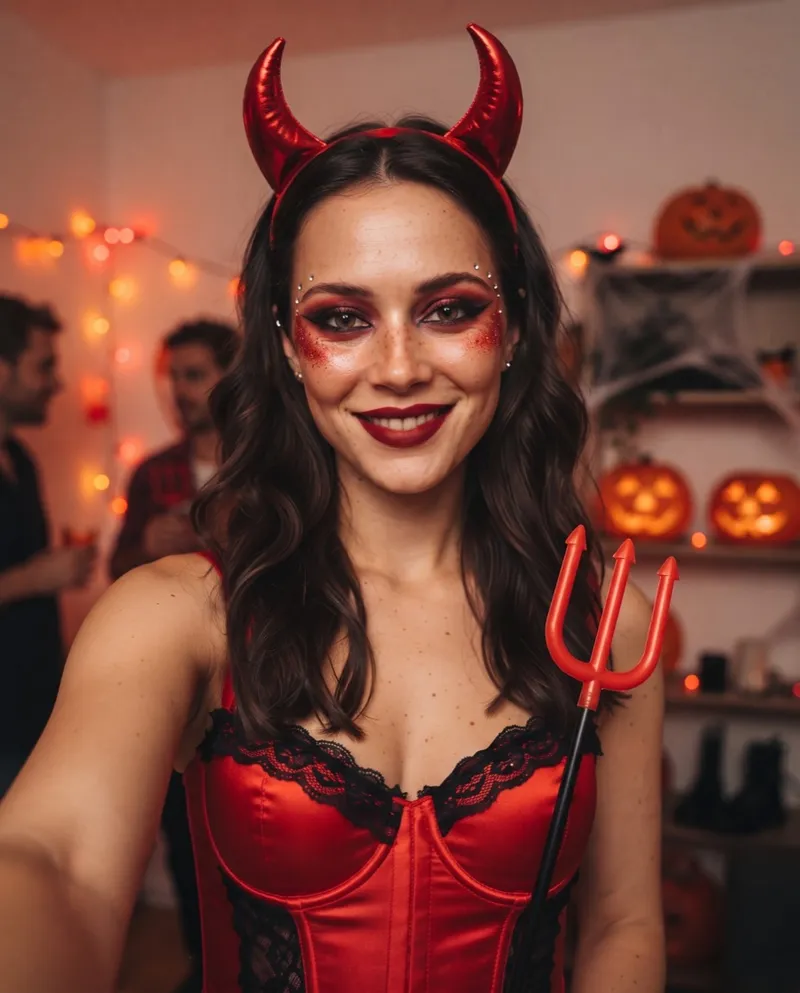
- Red Devil. Glossy horns and red glitter read instantly.
- Skeleton Makeup. Black and white paint is high contrast at any size.
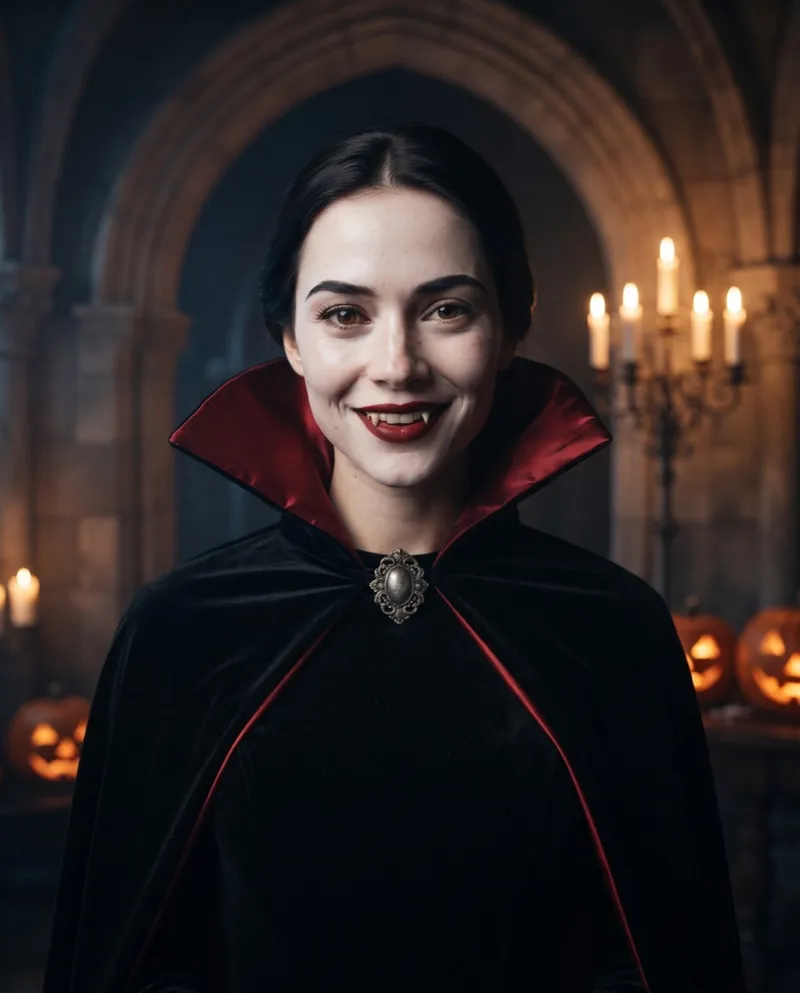
- Gothic Vampire. Pale skin, red lips and a tall red-lined collar frame the face.
- Cracked Porcelain. The doll face reads as "something is off" even when small.
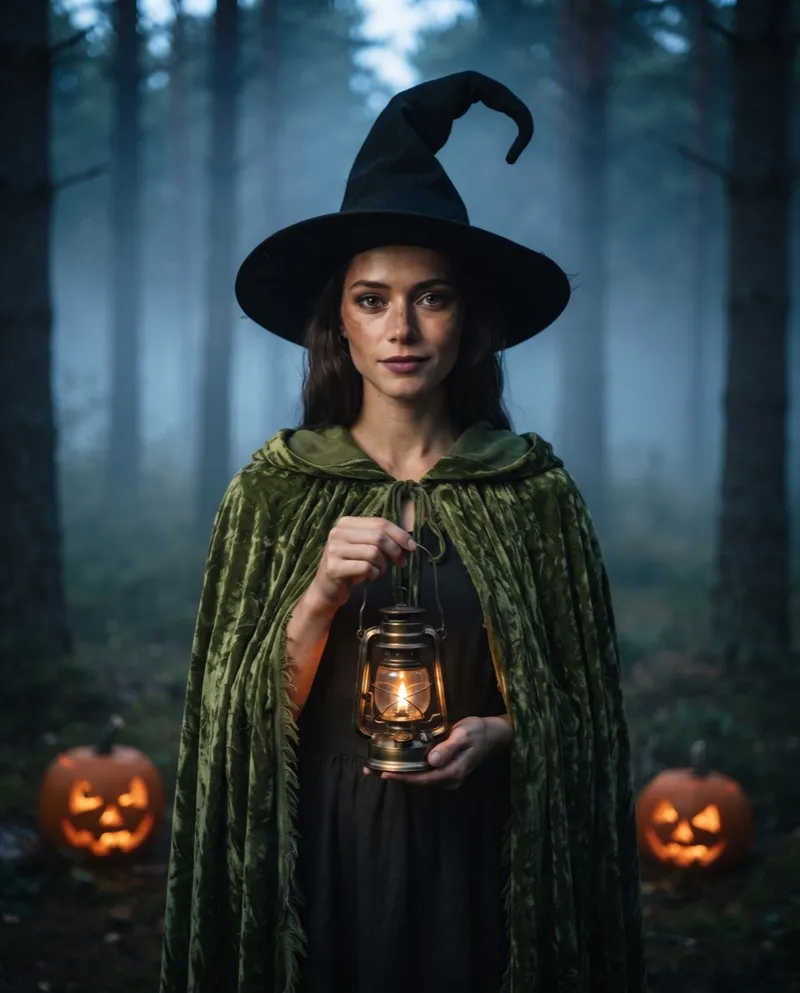
Looks built on scenery, like Forest Witch or 80s Zombie, are better as a feed post than an avatar. For a pet account, Pumpkin Pet works because the round orange suit is a strong shape.
Make it on Halloween AI
- Take a front-facing selfie with your face in the middle of the frame, no sunglasses or hat, beauty filters off.
- Upload it on the Halloween PFP maker, pick a look and press Generate.
- Wait a minute or two. You get a square, head-and-shoulders picture, saved to My Creations.
Your first picture is free; after that each one is 1 credit. If the result doesn't look like you, change the photo before you change anything else (a straighter angle and better light fix most cases), then try a different look.
Free and credit-pack pictures download with a watermark. For an avatar you will want the clean copy: spend 1 credit to download that image without the watermark. Subscribers download every image without one; see pricing.
Crop it for a circle
Pictures from the PFP maker are already square, with your face centred, so you can upload them as they are. Portraits from the homepage come out in a 4:5 frame, and almost every app crops profile pictures to a square and shows them as a circle, so for those:
- Crop to a square centred on your face, with a little space above the hair, horns or hat.
- Keep a margin around the face so the circle doesn't cut through your chin.
- Upload the full-size crop and let the app scale it down; most apps also let you zoom and position the circle while uploading.
Making one in ChatGPT or Gemini instead
You can also do this in a chat app that accepts photos. The difference is that you write the prompt yourself, so ask for the avatar format directly. Attach one clear selfie and use something like:
Use the uploaded photo strictly as an identity reference. Keep 100% the same face, facial structure, skin tone, eye color, hairline and expression. Do not beautify, do not change age, do not add any other person. Turn the person into a Halloween red devil: glossy red horns, a red satin costume, subtle red glitter on the cheekbones. Square 1:1 profile picture, head and shoulders, face centered and large in the frame, plain dark background with a soft red rim light, photorealistic. Avoid: different person, cartoon, plastic skin, text, watermark.
Swap the costume sentence for any other look. The prompts for all ten of our looks are on the Halloween AI prompts page; change their size line to "square 1:1, head and shoulders" for an avatar.
Switch back after Halloween
Put a reminder in your calendar for November 1st. Portraits stay in My Creations for 30 days, so download the one you used if you want it again next year.
Want something that moves for Stories as well? Make the same look as a homepage portrait and turn it into an 8 second reveal on the Halloween AI video generator.