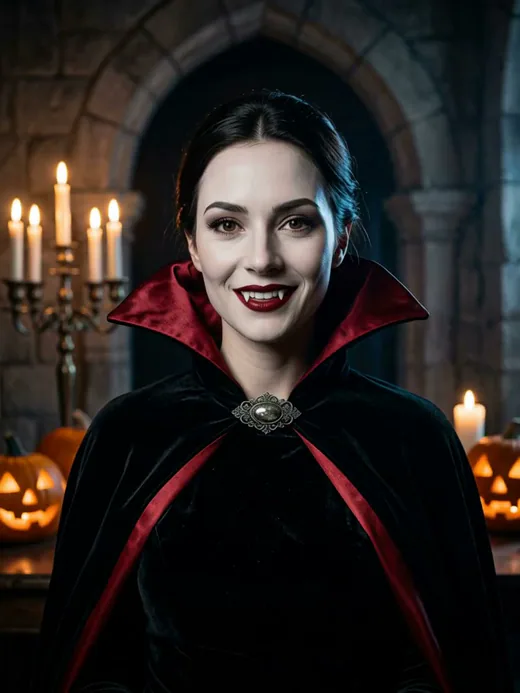
Gothic Vampire
Cape sweep reveal
Upload a selfie, pick one of ten Halloween looks and watch yourself change into it: an 8 second clip with sound, ready for Stories, Reels and TikTok.
8 credits from a portrait, 9 from a selfie. Failed steps are refunded.
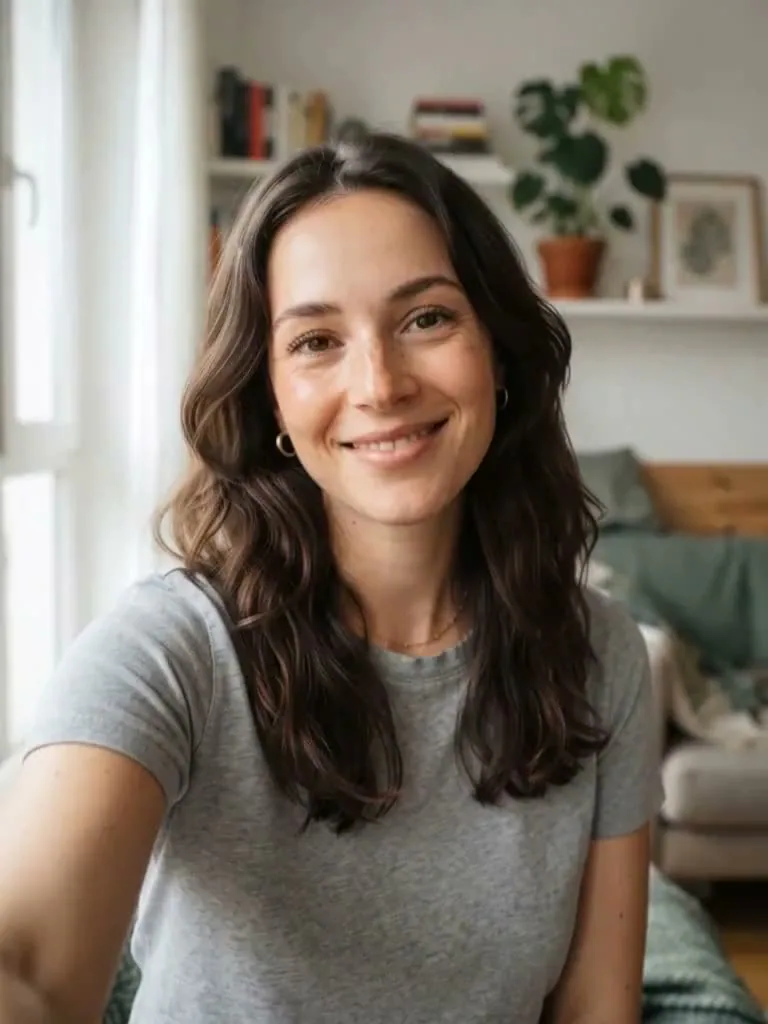 Example
A Halloween AI video generator turns one still photo into a short clip of you changing into a Halloween costume. No filming, no editing, no costume.
Upload a plain selfie and pick one of ten looks, or start from a portrait you already made on the homepage. The clip opens on you as you are, then a cape, a veil or a gust of fog sweeps across the camera and you come out the other side in costume: 8 seconds, vertical, with sound.
Either way you get an 8 second vertical clip that starts on you and ends in costume, with sound and no watermark.
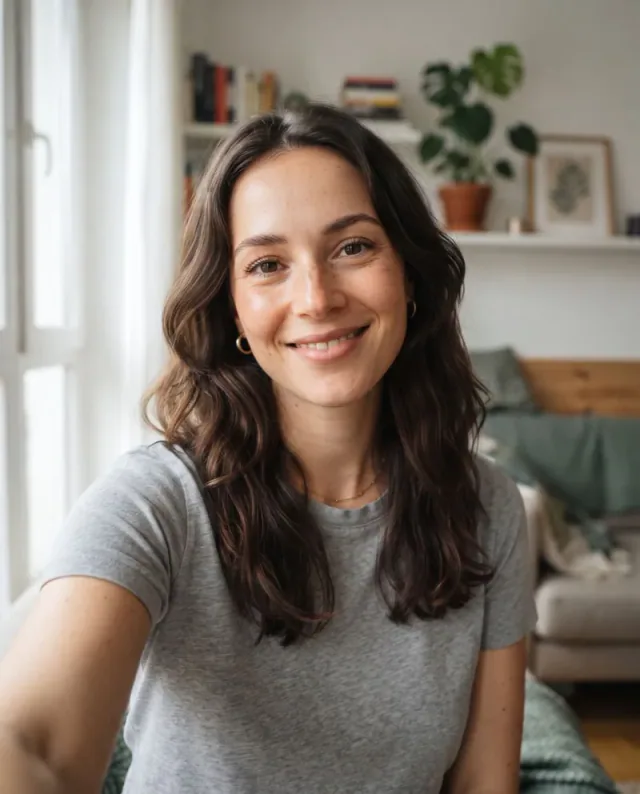
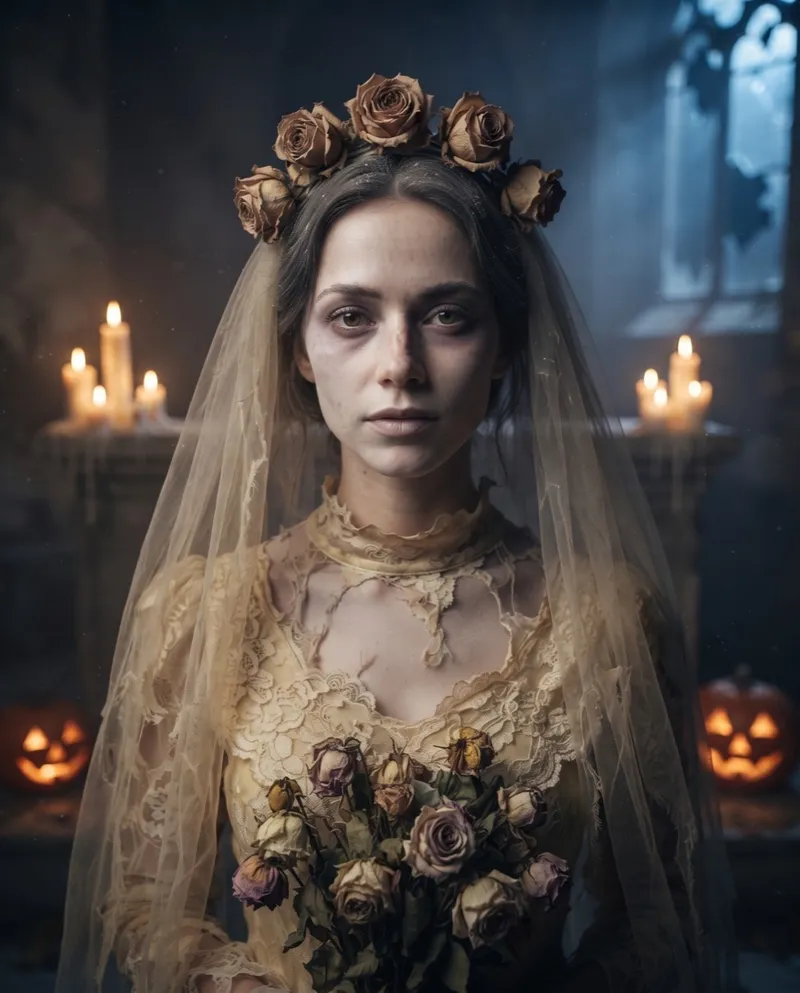 Selfie to Wedding Ghost
Upload a plain photo and pick a look. We paint the Halloween portrait, then the video that changes you into it.
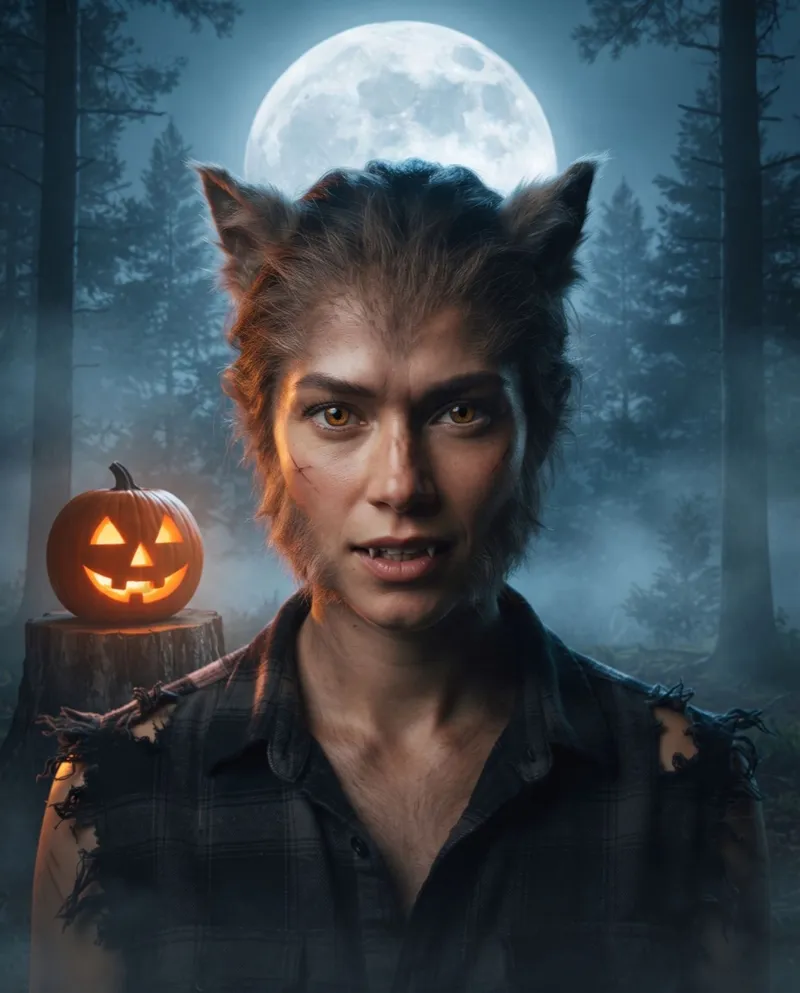 Your portrait
Already made a look you like on the homepage? Press Animate This Look, or pick it from My Creations. This works while the selfie it came from is still stored, for 7 days after upload.
Each reveal ends on a portrait like these. The motion is written for the costume, from a cape sweep to a pet shaking off the lights.
Cape sweep reveal
Veil reveal
Hands-down reveal
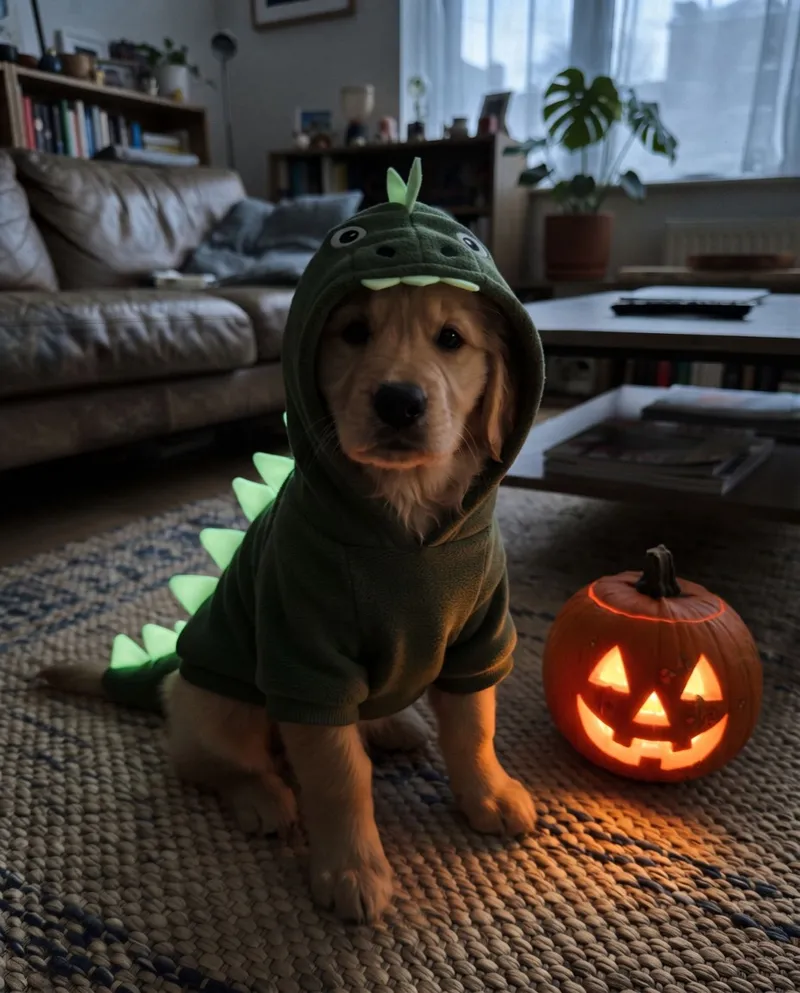
Shake and glow reveal
Three steps. A video usually takes 4 to 5 minutes and saves to My Creations, so you can keep browsing while it renders.
Upload a selfie, or start from a portrait: tap Animate This Look on a homepage result or pick one from My Creations.
Ten costumes, from Gothic Vampire to Glow Dino Pet. Starting from a portrait? Its look is already set.
An 8 second vertical MP4 with sound and no watermark, kept for 30 days in My Creations.
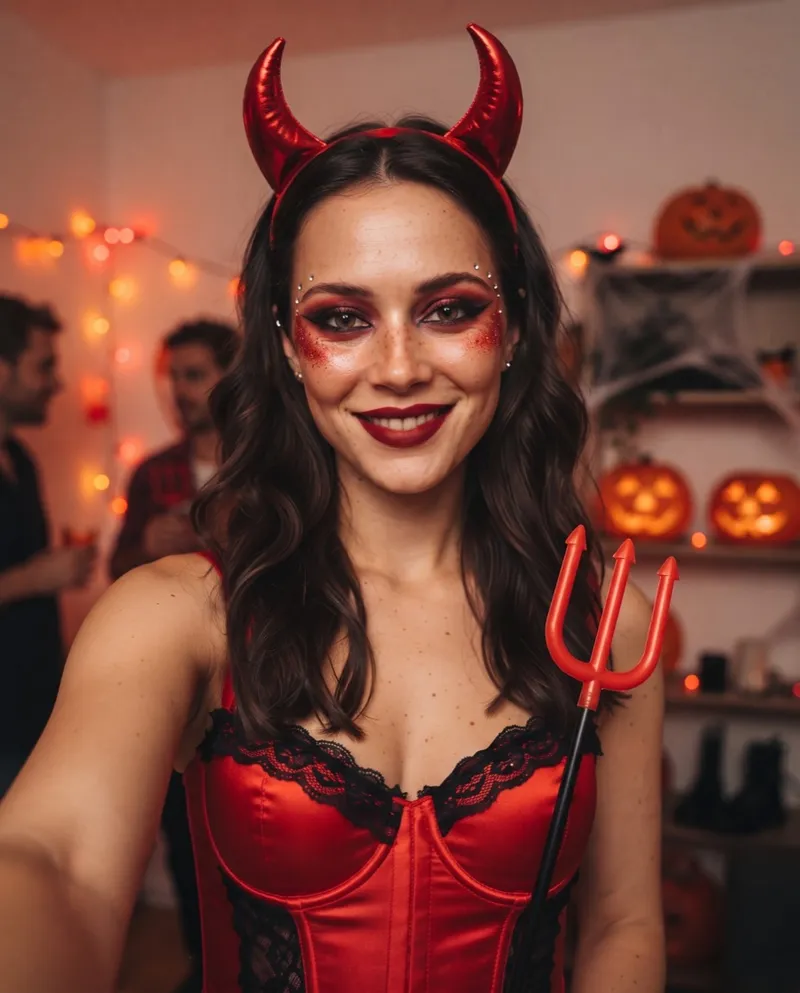
A Costume Reveal lands on the change, which is exactly what makes people stop scrolling. It's vertical and ready to post.
Send guests a moving preview of your costume, or of the party's theme, a week before the night.
Watch your dog or cat sniff the camera and come back as a pumpkin, or shake off the lights in a glowing dino suit.
These are the prompts behind each reveal. Each one opens on the original photo, covers the camera for a beat and ends on the Halloween portrait. Copy them into any video model that takes a first and a last frame, or run them here on your own photo.
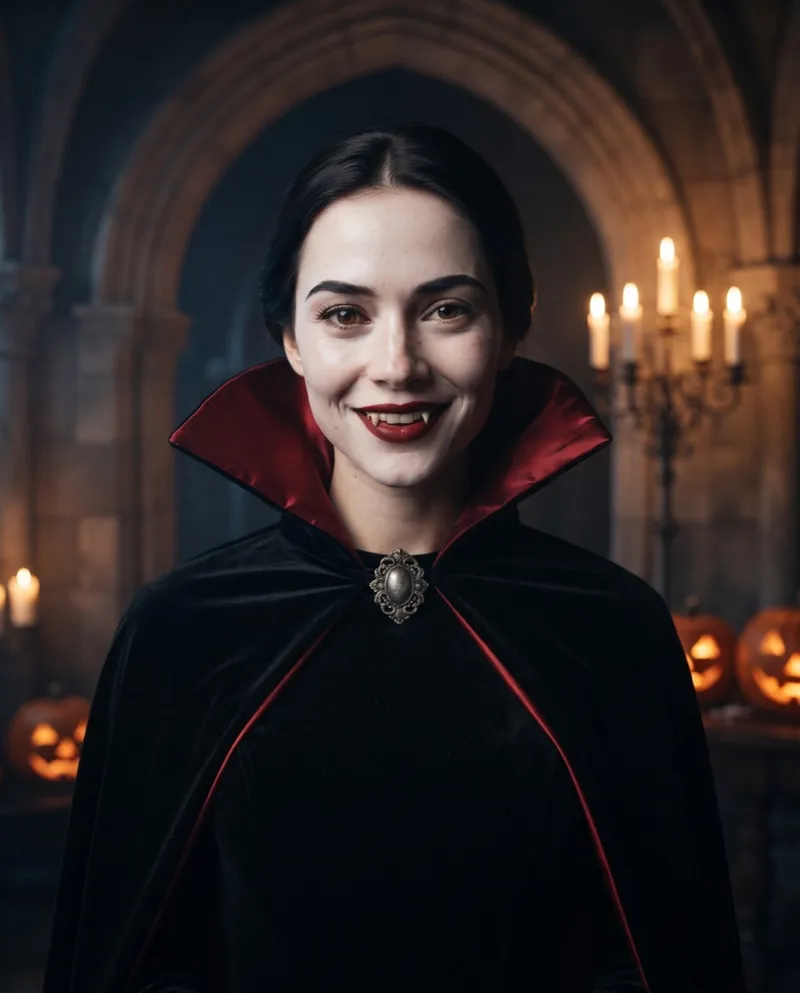
Start on the original photo. The person glances at the camera and raises an eyebrow as the lights in the room...
Start on the original photo. The person looks up at a sudden cold light and immediately brings both hands up...
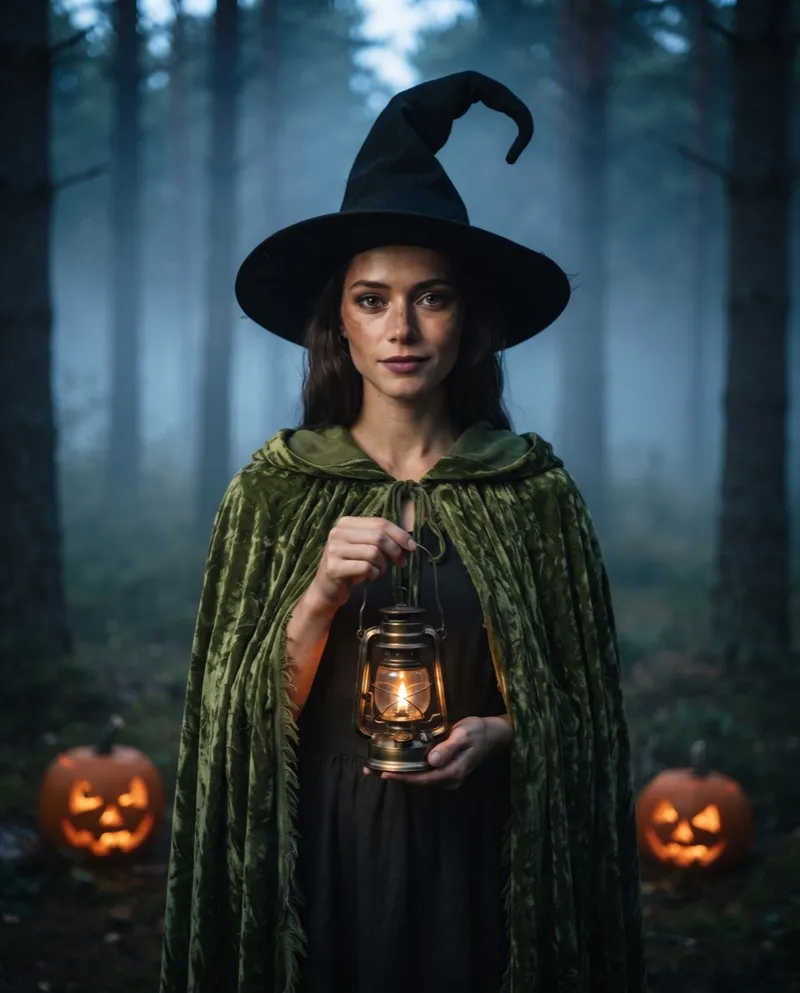
Start on the original photo. The person leans toward the camera and blows gently, as if blowing out a candle...
1 credit per portrait, 8 per video, 9 for a video straight from a selfie. Credits stay valid for 1 year and failed runs are refunded.
Want every image watermark-free? Subscriptions start at $10.50 a month, billed yearly. See subscription plans
It's a tool that turns a still photo into a short Halloween video. Here, you upload a selfie or pick a portrait you made, choose one of ten looks, and the AI makes an 8 second clip that starts on your photo and ends with you in costume.
Usually 4 to 5 minutes from a selfie, including the portrait, and a little less from a portrait you already have. You can leave the page; the video saves to My Creations when it's done.
8 credits from a portrait you made here, or 9 straight from a selfie: 1 for the portrait and 8 for the video. If the portrait fails, all 9 come back. If only the video fails, the 8 video credits come back and you keep the portrait.
Every video comes with sound, generated together with the picture, and there's no watermark. The clip ends on the original, watermark-free portrait.
An 8 second MP4, 768 by 1024 pixels, in a vertical 3:4 frame. It fits feeds and Stories as it is; full-screen 9:16 apps may crop the edges a little or add bars.
Start from a clear, front-facing selfie, a cat or dog photo for the pet looks, or a portrait you made here. The reveal opens on the original selfie, so a portrait can be animated for 7 days after that selfie was uploaded; after that, upload the selfie again. Only use photos of yourself or people who have agreed.
30 days in My Creations, then they are deleted. Download anything you want to keep.
Upload a photo, pick a look and watch yourself change. No portrait needed first.