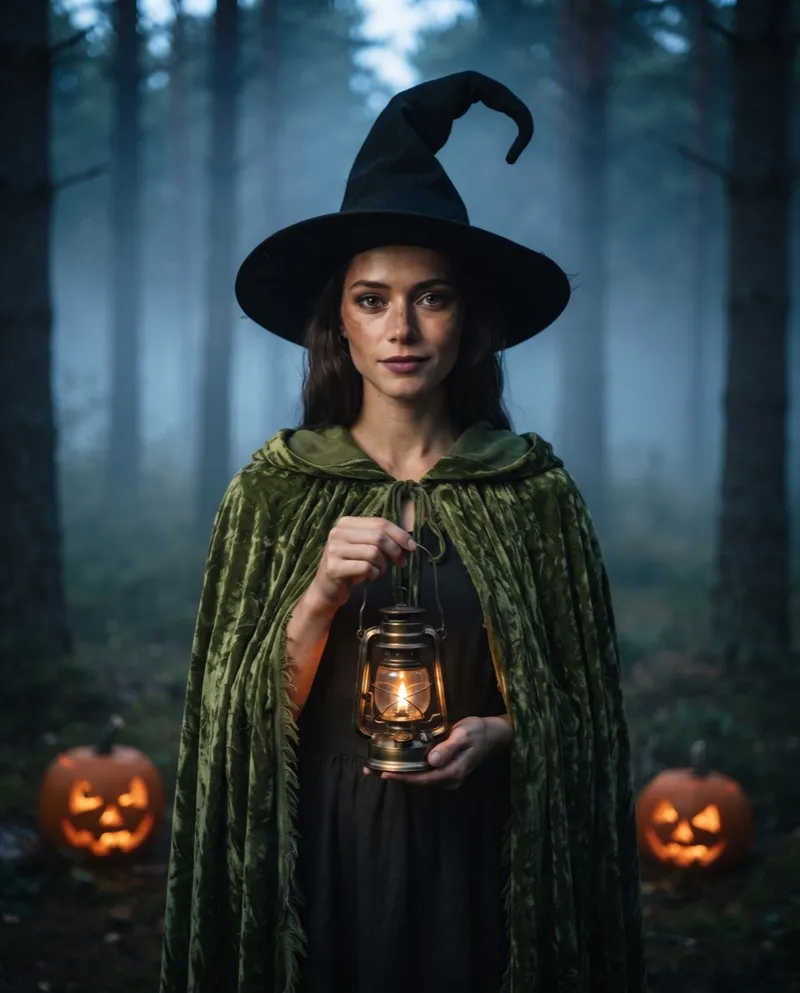
Featured look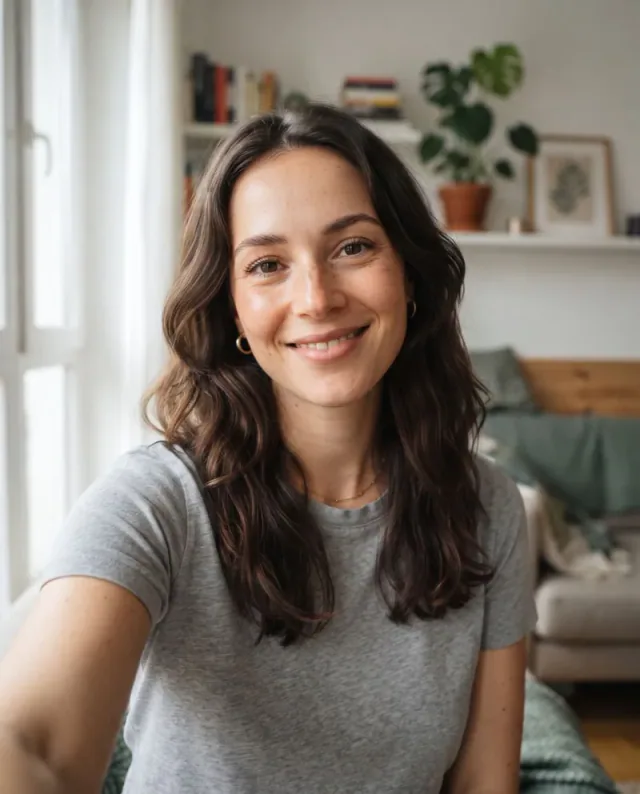 Made from this selfieOne phone photo turned into a witch. No editing, no costume.
Forest Witch
A moss velvet cloak, a crooked hat and a brass lantern, painted around your own face.
Upload a selfie or a pet photo and pick one of ten looks. Halloween AI paints the costume, the makeup and a spooky background around your own face in a minute or two.
1 credit per image. Your first image is free. Failed generations are refunded.
Each portrait below started from the plain photo in its corner. Some looks are properly scary, like the Midnight Werewolf and the 80s Zombie. Others are just fun: a cat in a pumpkin, a dog in a glowing dino suit. The face stays the same every time; the costume, makeup and background are what change.
A moss velvet cloak, a crooked hat and a brass lantern, painted around your own face.
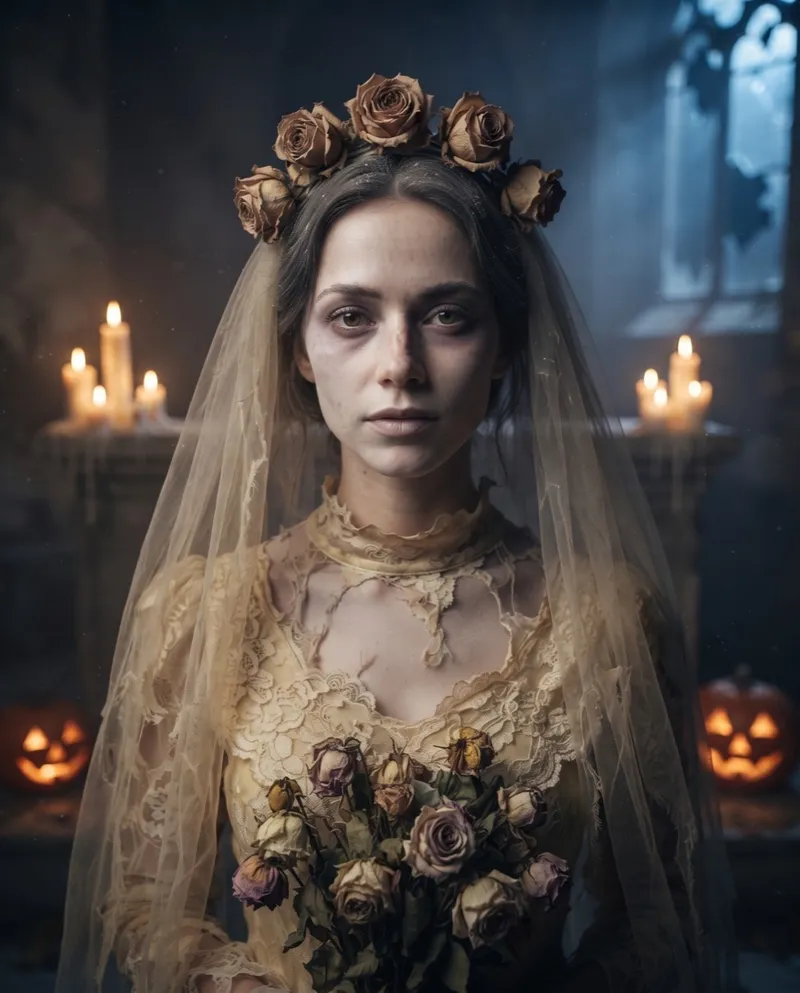
Tattered wedding clothes, dead roses and candlelight.
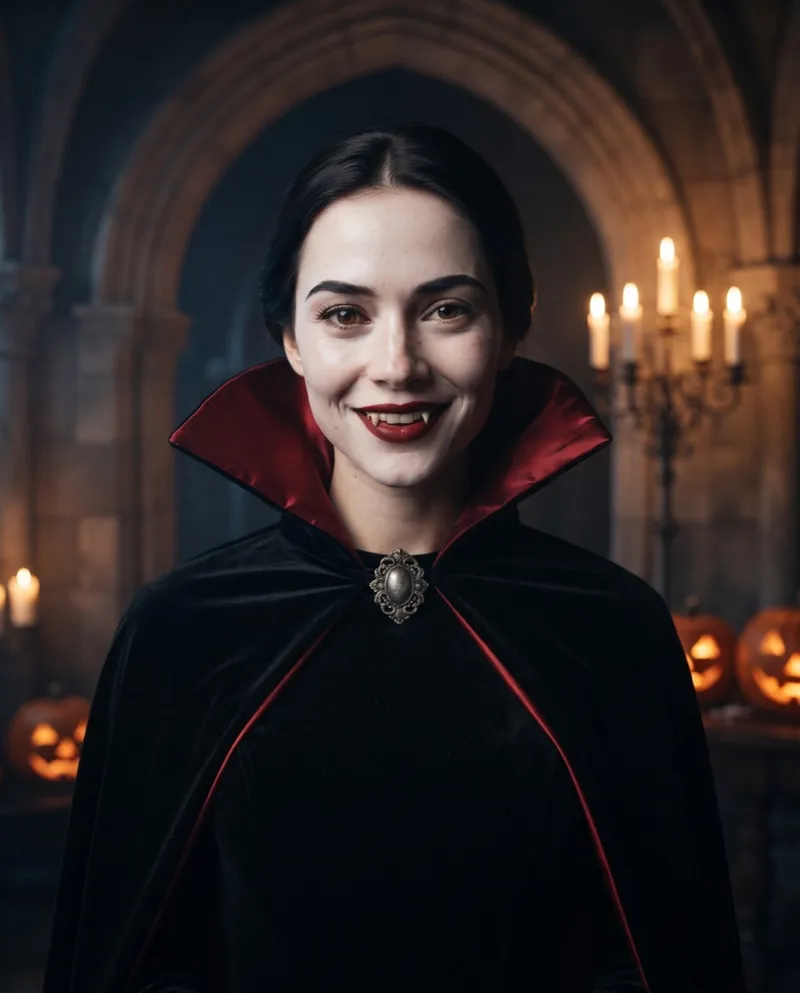
Red-lined cape, porcelain skin and a candlelit castle.
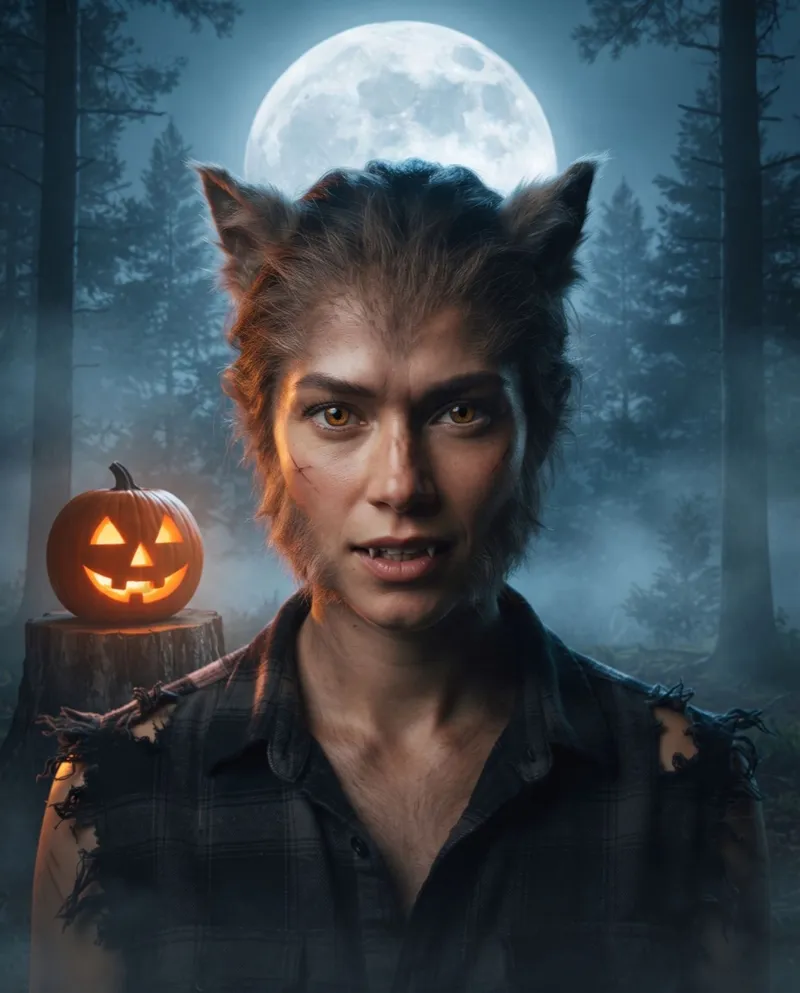
Fur, fangs and amber eyes under a full moon.
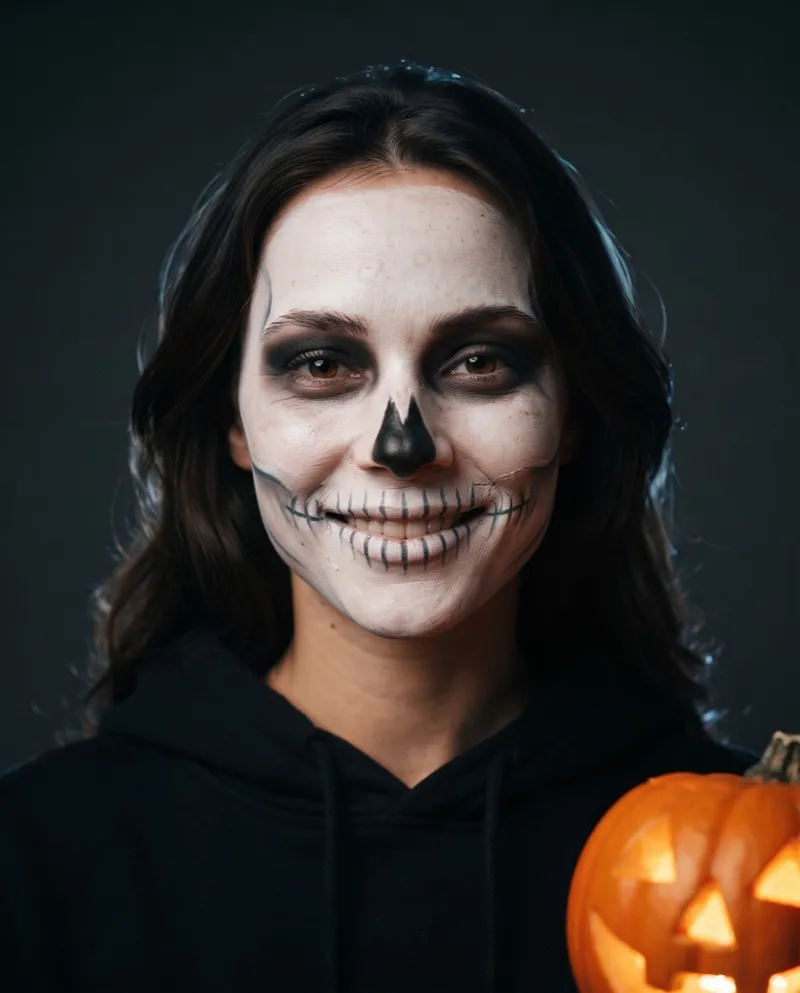
Hand-painted bone makeup, sharp and clean.
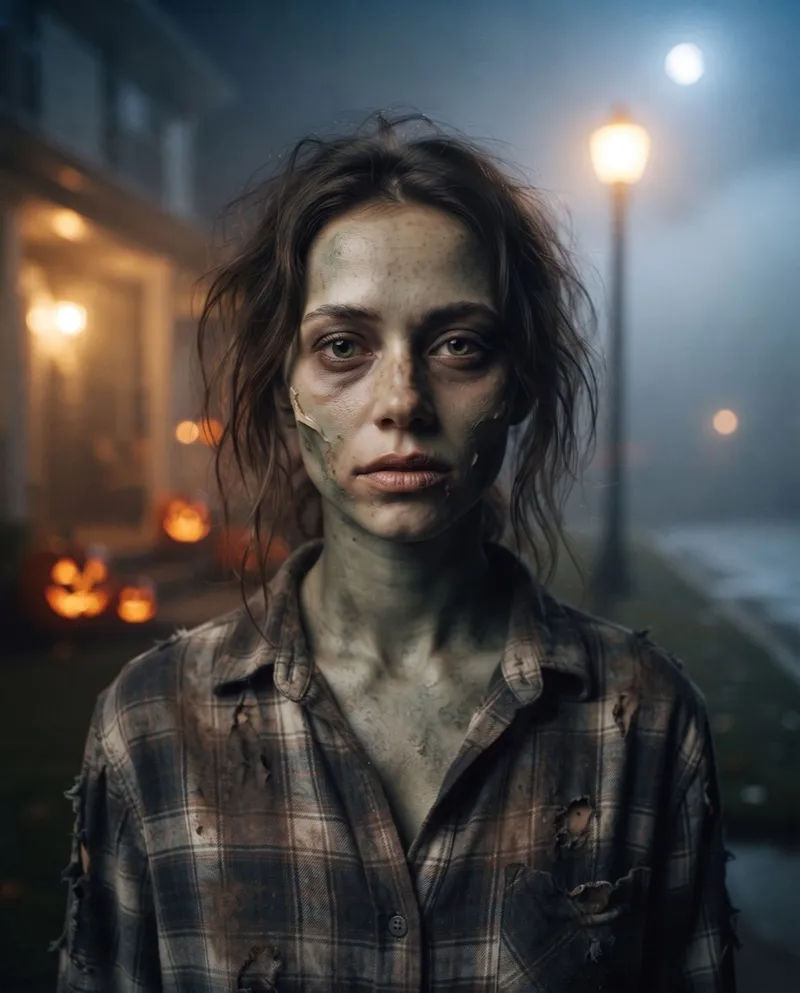
Latex-effect zombie makeup on a foggy suburban street.
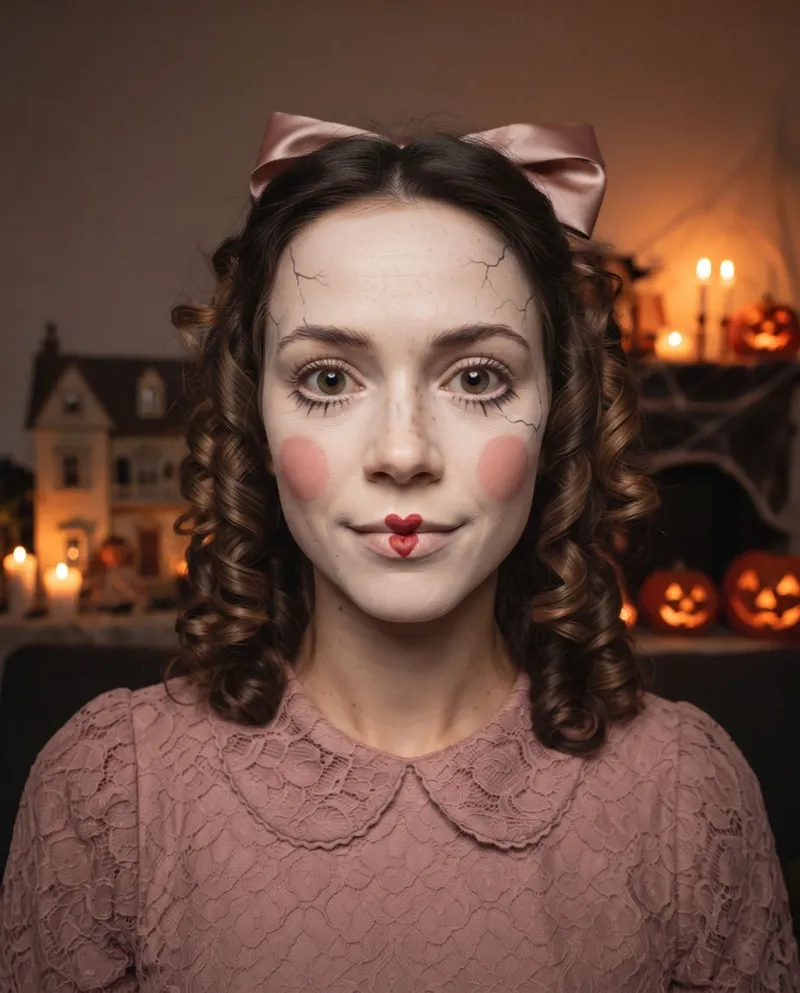
Cracked porcelain skin and painted doll lashes.
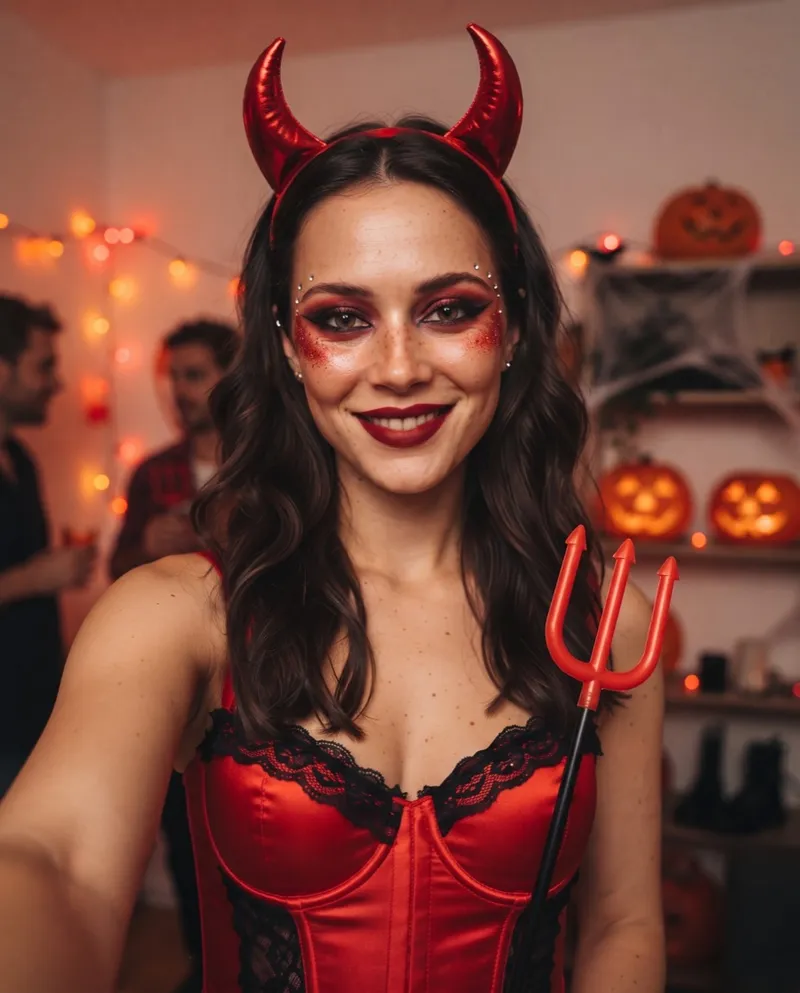
Glossy horns, red glitter and a party flash.
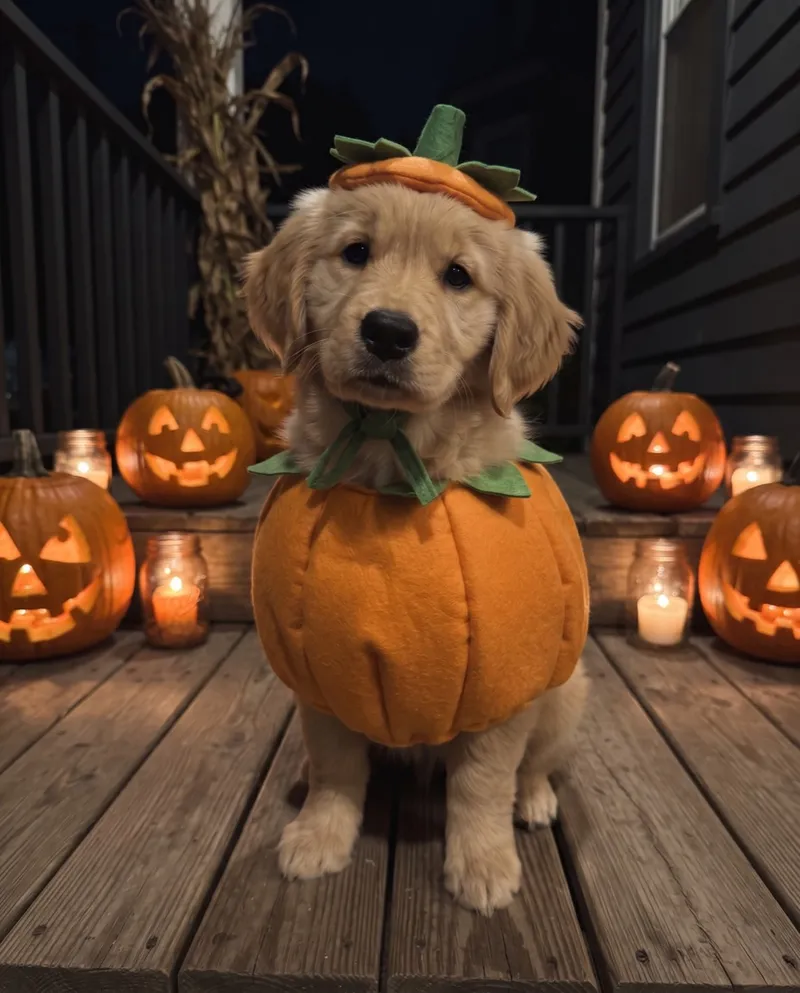
Your cat or dog, tucked into a pumpkin.
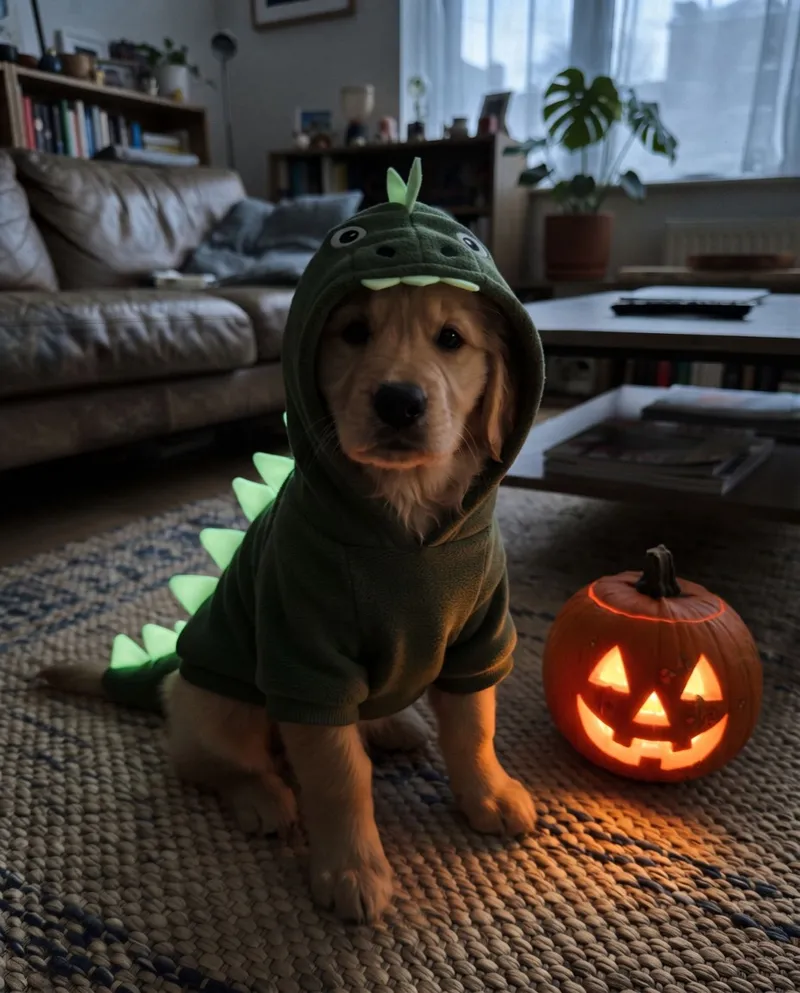
A glow-in-the-dark dinosaur onesie.
Halloween AI turns one ordinary photo into a portrait of you in full costume and makeup. No wig, no face paint, no trip to the costume shop.
Most Halloween filters lay a mask or a sticker over your face and stop there. Halloween AI paints a new photo instead: the outfit, the makeup and the scene behind you, lit the way a real photo would be. Your eyes, face shape and skin tone come from your selfie; everything else becomes a witch in the woods, a ghost bride or a werewolf on a foggy night.
Three steps, all in your browser. No app to install and no editing skills needed.
A front-facing selfie or a pet photo in JPG, PNG or WebP. One face with nothing covering the eyes gives the best likeness.
Ten looks, from Forest Witch to Cracked Porcelain. Choose a pet look and the uploader switches to pet photos.
Your portrait is ready in a minute or two. Download it, remove the watermark for 1 credit, or turn it into an 8 second video.
Every finished portrait has an Animate This Look button. One tap makes an 8 second Costume Reveal: the clip starts on your selfie and ends on your Halloween look.
8 second clips for Stories, Reels and TikTok, with no watermark. A video costs 8 credits.
Costume Reveal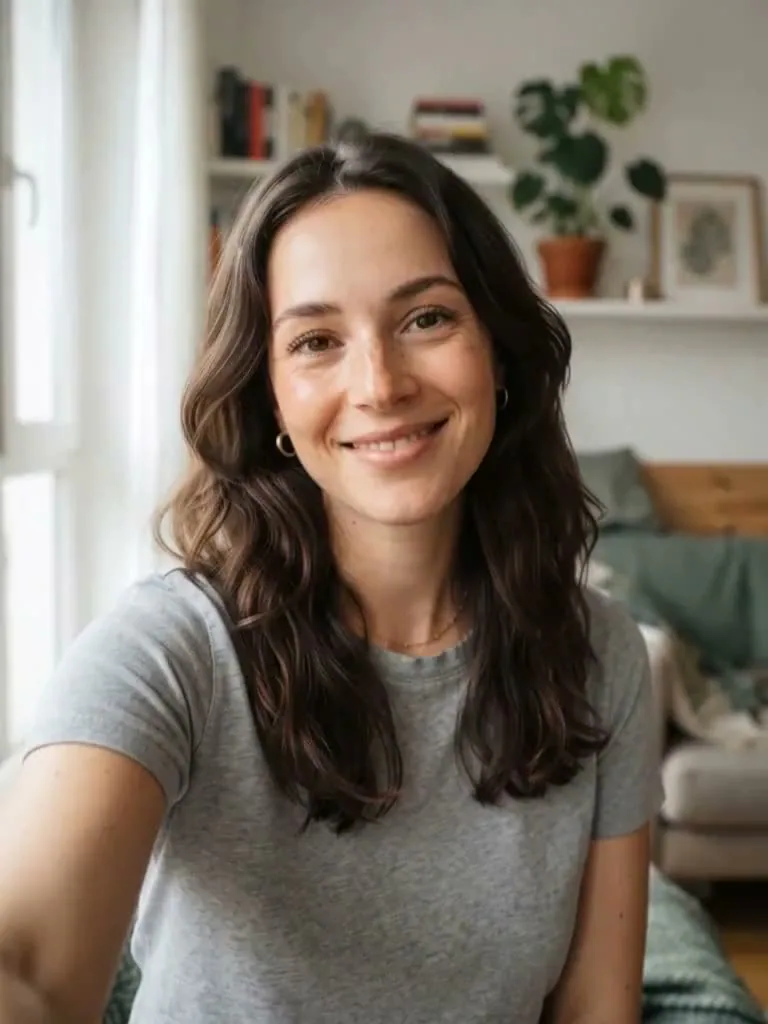 Costume Reveal
No shopping, no makeup tutorial, no cleanup. Just your photo and a look you like.
Make your first one freeFace paint, prosthetics, wigs and outfits are all painted on by the AI.
Each look keeps your face shape, skin tone and expression, so friends still know it's you.
Try a few looks before the party and keep the one you like best.
Pumpkin Pet and Glow Dino Pet are made for cats and dogs.
Turn a portrait into an 8 second Costume Reveal that starts on your selfie.
Results are deleted after 30 days. We don't sell your photos or use them to train our own models.
These are the exact prompts behind each look. Every selfie prompt starts with an identity lock that keeps your face the same, then describes the costume, makeup, lighting and background. The pet prompts do the same for your cat or dog. Copy one into any image model that accepts a reference photo, or run it here on your own picture.
Costume and makeup: a forest witch for Halloween. Real costume pieces: a heavy moss-green crushed velvet hooded cloak with a frayed hem, a tall...Costume and makeup: professional Halloween skeleton face paint done by a makeup artist, practical effect, not gore. Matte white cream base with...Costume: a real store-bought pet Halloween costume: a round orange felt pumpkin suit with soft vertical seams, and a small green felt stem hat with...Swap your avatar for a Red Devil or a Gothic Vampire for the month, then switch back on November 1st.
No squirming, no ripped felt. Your dog gets a pumpkin suit in one try.
Planning matching costumes? Each of you uploads a selfie and picks a pair, like Gothic Vampire and Wedding Ghost, then posts them side by side.
1 credit per portrait, 8 per video. Credits stay valid for 1 year and failed runs are refunded.
Want every image watermark-free? Subscriptions start at $10.50 a month, billed yearly. See subscription plans
Halloween AI is an online photo editor that turns a selfie or a pet photo into a Halloween costume portrait. You pick one of ten looks, such as Gothic Vampire, Wedding Ghost or Skeleton Makeup, and the AI paints the costume, makeup and background around your own face. You can also turn a finished portrait into an 8 second video.
Upload a clear, front-facing selfie (JPG, PNG or WebP, up to 10 MB), choose a look and press Generate. The portrait is ready in a minute or two and saved to My Creations. For a cat or dog, pick Pumpkin Pet or Glow Dino Pet and upload a photo of your pet instead.
Most people post their AI costume portrait next to the original selfie, or share a short clip of the change. Make a portrait here, then post the before and after, or tap Animate This Look to get an 8 second Costume Reveal that starts on your selfie and ends on your Halloween look.
Instead of stacking stickers and overlays on your photo, Halloween AI repaints it: costume, makeup, lighting and a Halloween background in one step. If you want movement too, Animate This Look adds fog, candlelight or a camera flash as the costume appears. A video costs 8 credits.
Use the Halloween PFP maker: it makes the same looks as a square, head-and-shoulders picture that stays clear when an app crops it to a circle. Download it and set it as your avatar. Spend 1 credit to download that image without a watermark.
Yes, that's the Forest Witch look. Upload a selfie and Halloween AI dresses you in a moss velvet cloak and a crooked hat, holding a brass lantern in a dark forest, while keeping your face, skin tone and expression.
The AI Scream photo trend puts the masked killer from the Scream films into your picture. Halloween AI doesn't offer that look, because Ghostface is a trademarked movie character. For a similar horror-film feel, try 80s Zombie, which puts you on a foggy suburban street in latex-effect makeup, or the creepier Cracked Porcelain.
Right here, in your browser. Halloween AI works on phones and computers, with no app to install and no editing skills needed. Each portrait costs 1 credit, your first one is free, and failed generations are refunded automatically.
Your photo is used only to make the portrait or video you asked for. Uploaded photos expire after 7 days, and results stay in My Creations for 30 days before they are deleted. You can delete a result at any time, and we don't sell your photos or use them to train our own models.
Your first portrait is free. Upload a photo and see your Halloween costume tonight.
Make my costume