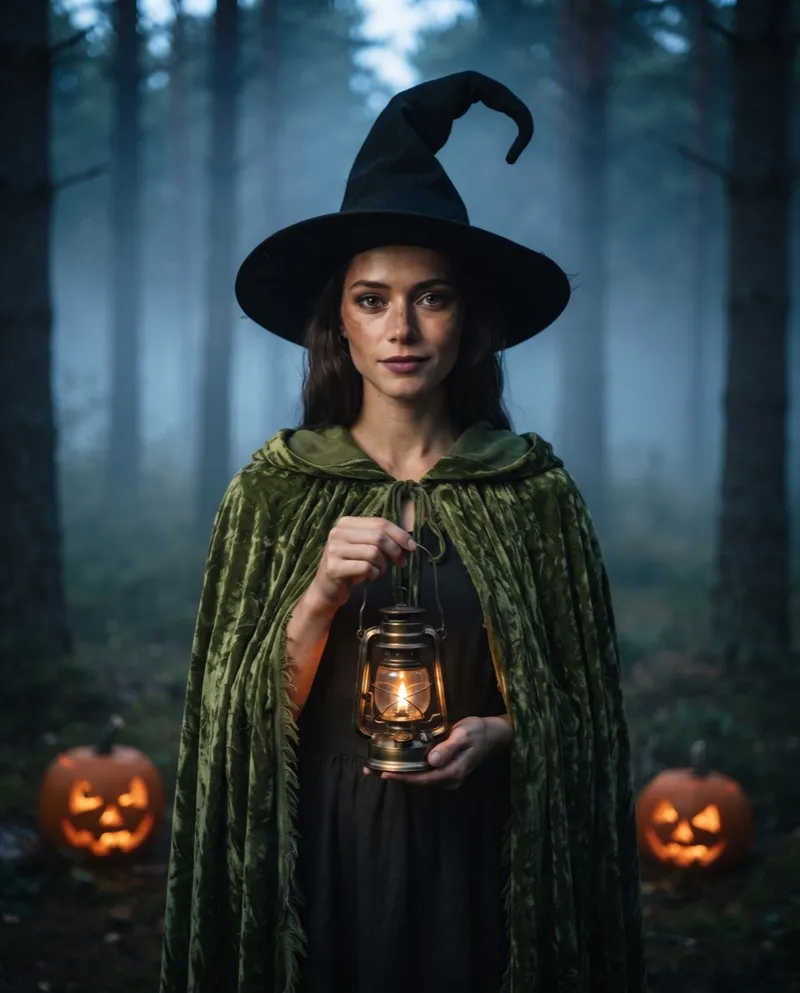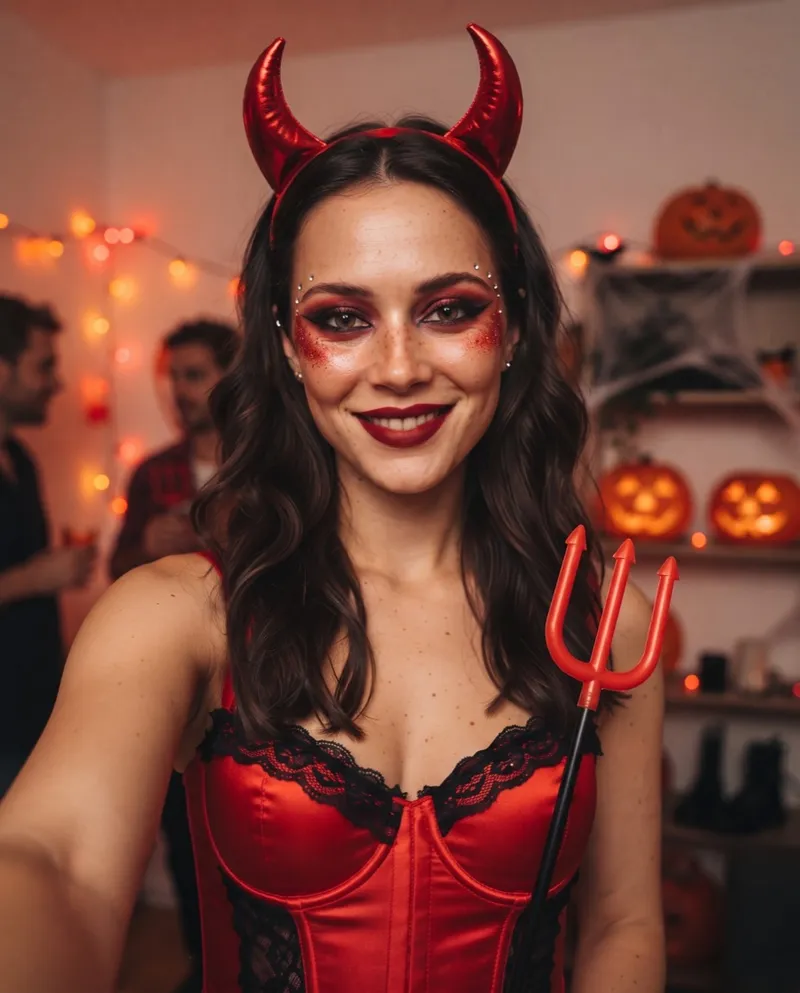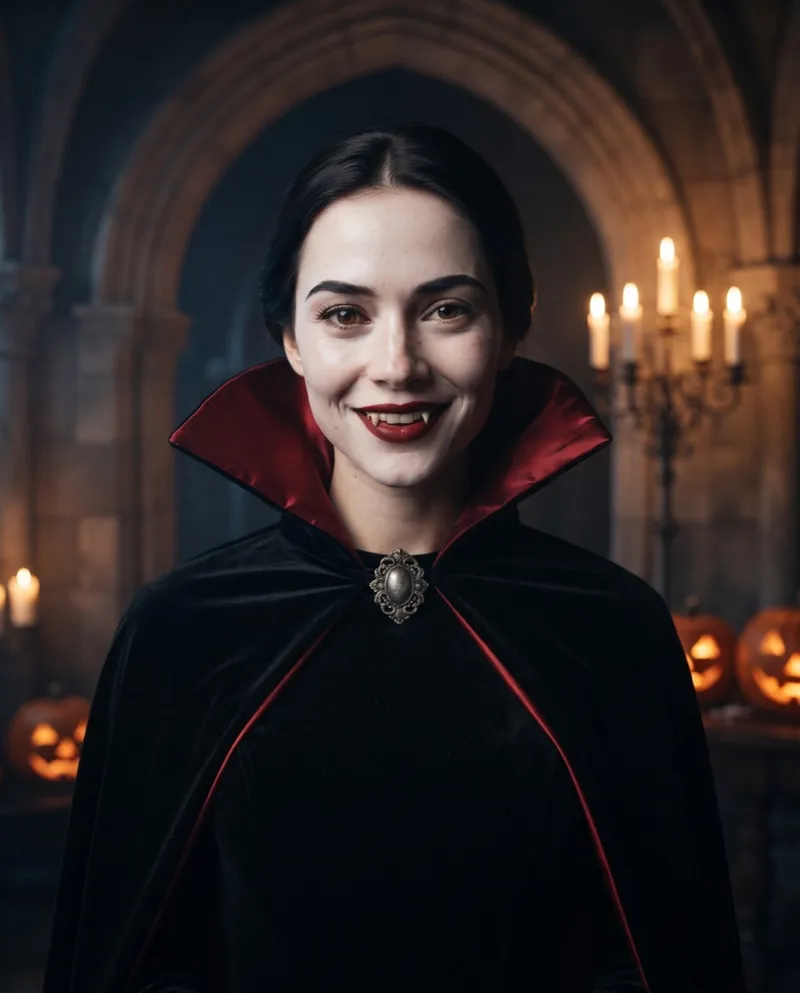
The Halloween AI trend is simple: you post an ordinary selfie next to an AI portrait of yourself in full Halloween costume, or a short clip of one turning into the other. With a tool built for it, the portrait takes a minute or two and the whole post about five minutes.
This guide walks through it with Halloween AI, but the selfie and posting advice applies whatever tool you use.
What the Halloween AI trend is
It shows up in two formats:
- The before and after. Your real selfie next to the AI version of you as a vampire, a witch or a zombie. It only works if people recognise you in both, so the face has to stay yours while the outfit, makeup, lighting and background change.
- The reveal clip. A few seconds of video that start on your selfie and end on the costume, with something sweeping across the camera in between.
People make these in one of two ways. Some attach a selfie in a chat app like ChatGPT or Gemini and paste a prompt; others use a tool where the prompt is already written and they only pick a look. A popular variant of the trend skips the costume altogether and puts a masked horror-movie figure in a dark doorway behind you, shot with harsh flash in a 90s bedroom. That one is a scene prompt for a general image tool. This guide covers the costume version.
Step 1: pick the right selfie
The photo you start with decides most of the result.
- Face the camera. A straight-on selfie keeps the likeness better than a three-quarter angle.
- One face only. Crop out friends in the background.
- Nothing over your eyes. Sunglasses, a hand or heavy hair across the face make the AI guess.
- Soft, even light. Window light beats a ceiling bulb straight above you.
- Beauty filters off. Smoothing filters blur the features the AI uses to keep you recognisable.
JPG, PNG or WebP up to 10 MB works. For a cat or dog the same rules apply: one animal, face clearly visible.
Step 2: choose a look
Halloween AI has ten looks, eight for people and two for pets:
- Instantly scary: Midnight Werewolf, 80s Zombie, Skeleton Makeup.
- Elegant, like a film still: Gothic Vampire, Wedding Ghost, Forest Witch.
- Creepy rather than gory: Cracked Porcelain.
- Party energy: Red Devil.
- Your pet in costume: Pumpkin Pet, Glow Dino Pet.
Upload the photo, pick the look and press Generate. The portrait is usually ready in a minute or two and saves to My Creations, so you can start a second look while you wait.
Step 3: post the before and after, or the reveal
For a before and after, download the portrait and post it with the original selfie, selfie first. Portraits come out in a 4:5 frame, which fits a feed post without cropping. Free and credit-pack portraits carry a watermark; spend 1 credit to download a copy without it.
For a reveal clip, tap Animate This Look on a finished portrait, or start from a selfie on the Halloween AI video generator. You get an 8 second vertical video that opens on your selfie, covers the camera for a beat (a cape, a veil, a burst of glitter) and comes back on your Halloween look. It has sound, no watermark, and usually takes 4 to 5 minutes. Because the clip starts on your original selfie, a portrait can only be animated while that selfie is still stored, which is 7 days after upload.
A few posting habits help:
- Caption the look, not the tool. "Forest Witch hours" reads better than "AI Halloween photo".
- Say it's AI. A short "AI costume" keeps friends from thinking you actually bought the outfit.
- Try two or three looks. The one you expect to like is not always the one that suits you.
If it doesn't look like you
The most common problem is a portrait that looks like a stranger in your costume. Usually the photo is the cause:
- Angled or tilted face. Retake it straight on, phone at eye level.
- Something covering the face. Glasses, hats, a hand or hair over one eye.
- Dark, blurry or filtered photo. Use daylight and turn beauty filters off.
- Several people in frame. The AI may pick the wrong face; crop to just you.
If the photo is fine, try a different look before running the same one again; each new portrait costs 1 credit. A generation that fails on our side refunds its credits automatically, but a finished portrait you don't like is not a failure, so it pays to pick the selfie carefully first.
What it costs
Your first portrait is free. After that, a portrait costs 1 credit and a reveal video costs 8, or 9 if you start the video straight from a selfie. Credit packs start at $5.99 for 15 credits; see pricing for packs and plans.
Every look's prompt is also published on our Halloween AI prompts page if you would rather run it in another tool. Ready to try it here? Upload a selfie and pick a look.