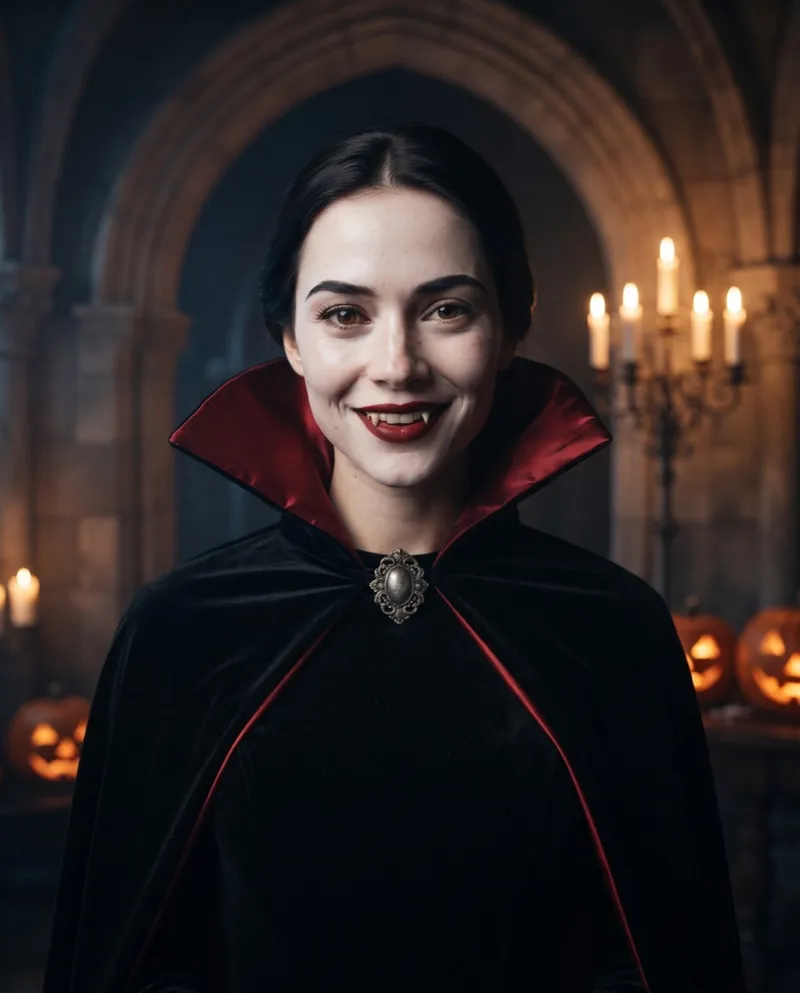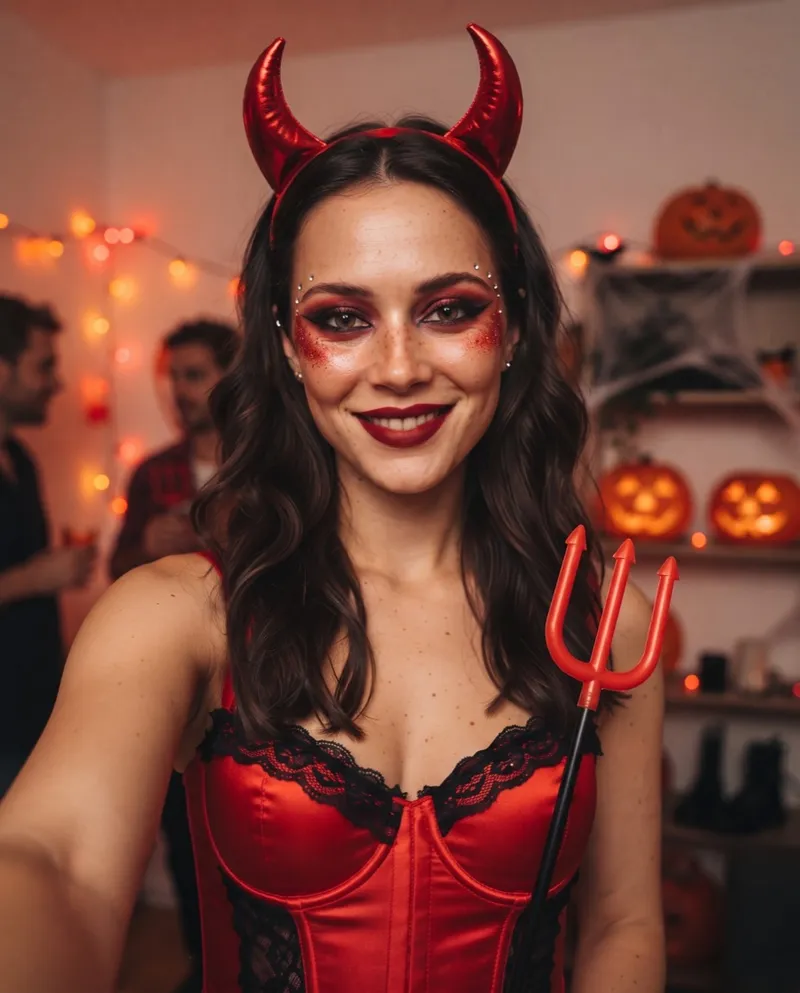
A Halloween AI prompt has one hard job: change the costume and keep the face. Prompts that go wrong usually describe the outfit in detail and say nothing about the person wearing it, so the model quietly swaps you for someone else.
Below are copy-ready prompts for a solo selfie, a couple and a pet, the structure behind them, and what to change when the result drifts. The prompts for all ten of our looks are on the Halloween AI prompts page.
The four parts of a prompt that keeps your face
Every look on Halloween AI uses the same four paragraphs, in this order:
- Identity lock. Tells the model the photo is a reference for who you are, not something to redesign. It comes first so it reads as the rule.
- Costume and makeup. Real pieces, named plainly: "a heavy moss-green crushed velvet hooded cloak with a frayed hem", not "a magical outfit". Practical makeup, not effects.
- Scene and photo. Where you are, where the light comes from, and how the shot is framed. Saying "chest-up, centered, looking at the camera" keeps the composition stable.
- Avoid list. The failures you don't want: a different person, cartoon style, plastic skin, text.
Ask for a 4:5 vertical portrait if the tool lets you pick a size. It leaves room for the costume and still crops cleanly to a square.
Halloween AI prompts for selfies
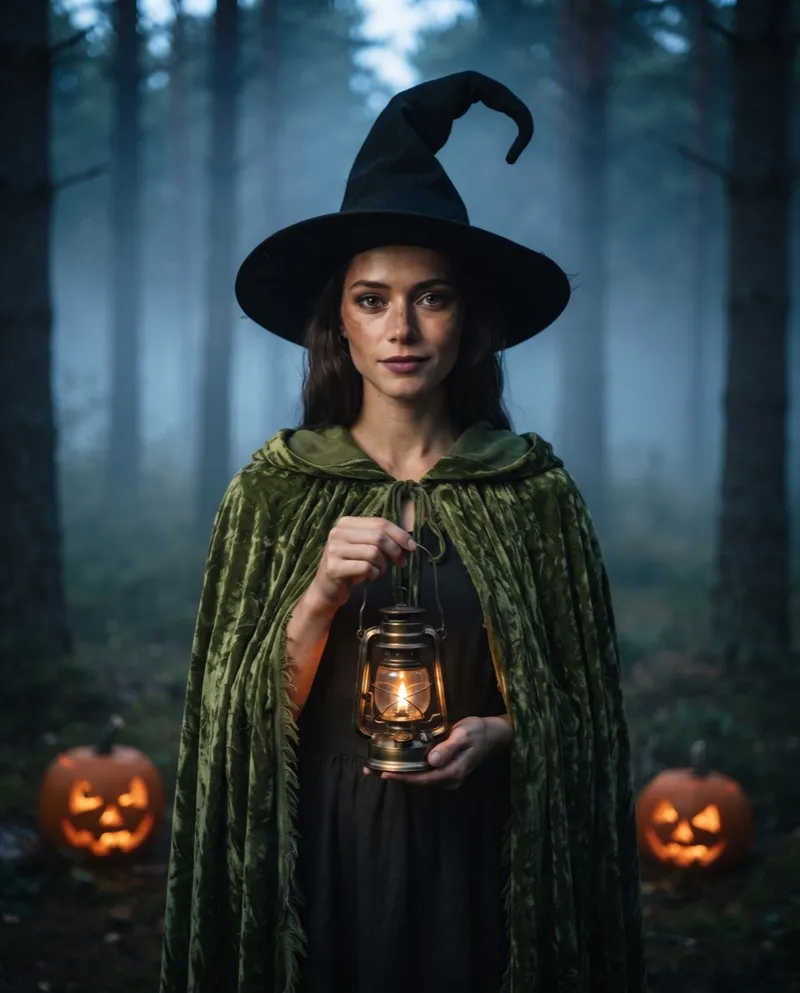
This is our full Forest Witch prompt. Attach one clear, front-facing selfie and paste it as is:
Use the uploaded photo strictly as an identity reference. Keep 100% the same face, facial structure, skin tone, eye color, hairline and expression. Keep the person's gender presentation exactly as in the photo. Do not beautify, do not change age, do not add any other person.
Costume and makeup: a forest witch for Halloween. Real costume pieces: a heavy moss-green crushed velvet hooded cloak with a frayed hem, a tall crooked black felt witch hat with a bent tip, dark layered linen robes underneath, a small brass oil lantern held at chest height with a real flame. Subtle practical makeup: slightly smoky eyes, naturally muted lips, a faint dusting of earthy powder on the cheekbones. Real fabric texture, real felt, no fantasy armor.
Scene and photo: cinematic Halloween movie still in a misty pine forest at dusk, two carved jack-o'-lanterns glowing on the forest floor. Shot on 35mm film with an 85mm lens, low-key lighting: the warm lantern is the key light on the face, cool blue moonlight rim from behind, soft fog, subtle film grain, deep shadows. Chest-up, centered, looking at the camera, 4:5 vertical.
Avoid: face mismatch, identity change, gender change, different person, extra people, cartoon, illustration, 3D render, CGI, plastic skin, over-smoothed skin, gore, blood, text, watermark, logo.
To make your own look, keep the first and last paragraphs and rewrite the middle two. That is how all ten of our looks are built, from Gothic Vampire to Cracked Porcelain.
Halloween AI prompts for couples
Our generator works on one face per photo, so for a couple there are two routes.
Matching looks, made separately. Each of you uploads your own selfie and picks one half of a pair, then you post them side by side. Pairs that work well: Gothic Vampire with Wedding Ghost, Forest Witch with Midnight Werewolf, or Skeleton Makeup on both.
One photo of both of you, in another tool. If your image tool accepts a photo with two people, lock both faces and their positions:
Use the uploaded photo strictly as an identity reference for both people. Keep both faces, face shapes, skin tones and expressions exactly the same, and keep each person in the same position and facing the same way as in the photo. Dress them as a matching Halloween couple: the person on the left as a gothic vampire in a red-lined black high-collar cape, the person on the right as a ghost bride in a torn antique wedding dress holding dried roses. Candlelit castle hall at night, both lit by the same warm candlelight. Photorealistic, practical makeup, waist-up, 4:5 vertical. Avoid: swapping faces between the two people, different people, extra people, cartoon, text.
Naming who stands where is what stops models from swapping faces or merging two people into one. Only use a photo of someone else if they have agreed to it.
Halloween AI prompts for pets
For a pet, "same face" means breed, markings and features, and the costume must not hide them:
Use the uploaded photo strictly as a reference for this exact pet. Keep the same species and breed, fur colour and markings, eye colour, ear shape and face. Dress the pet in a soft round orange pumpkin costume with a little green stem hat; the costume must not cover the face, ears or paws. Wooden front porch at night with glowing jack-o'-lanterns and candles in glass jars, warm candlelight, photorealistic fur, the pet sitting and looking at the camera, 4:5 vertical. Avoid: different animal, changed breed, changed markings, extra animals, people, cartoon.
That is the idea behind our Pumpkin Pet look; Glow Dino Pet swaps in a glow-in-the-dark dinosaur onesie in a dim room. Start from a photo with one animal, eyes and ears clearly visible.
When the prompt doesn't work
Change one thing at a time, so you can tell what fixed it:
- The face changed. Check the photo first: straight on, no sunglasses, no filters. If the photo is fine, make sure the identity lock is the first paragraph and the avoid list includes "different person".
- The costume looks cheap or cartoonish. Name materials ("crushed velvet", "latex prosthetics") and add "practical makeup" and "photorealistic".
- The pet's markings changed. Add the specific markings to the lock, for example "white patch over the left eye".
- Extra people appeared. Add "do not add any other person" to the lock and "extra people" to the avoid list.
Run them here or copy them anywhere
Every prompt on our prompt page has a Copy button for any image tool that takes a reference photo, and a Generate with this button that runs it on your own photo here. Your first portrait is free; after that, each portrait is 1 credit.
Want it moving? A portrait can become an 8 second reveal video on the Halloween AI video generator.